Skip notifications are applicable only for new ticket created and closed notifications.
TABLE OF CONTENTS
New ticket created notification:
We'll only be able to skip new ticket-created email notifications using ticket-creation automation rules. We'll not be able to do this for other email notifications.
Enabling skip new ticket-created email notifications under admin>>automations>>ticket creation will skip the email notifications for both agents and customers.
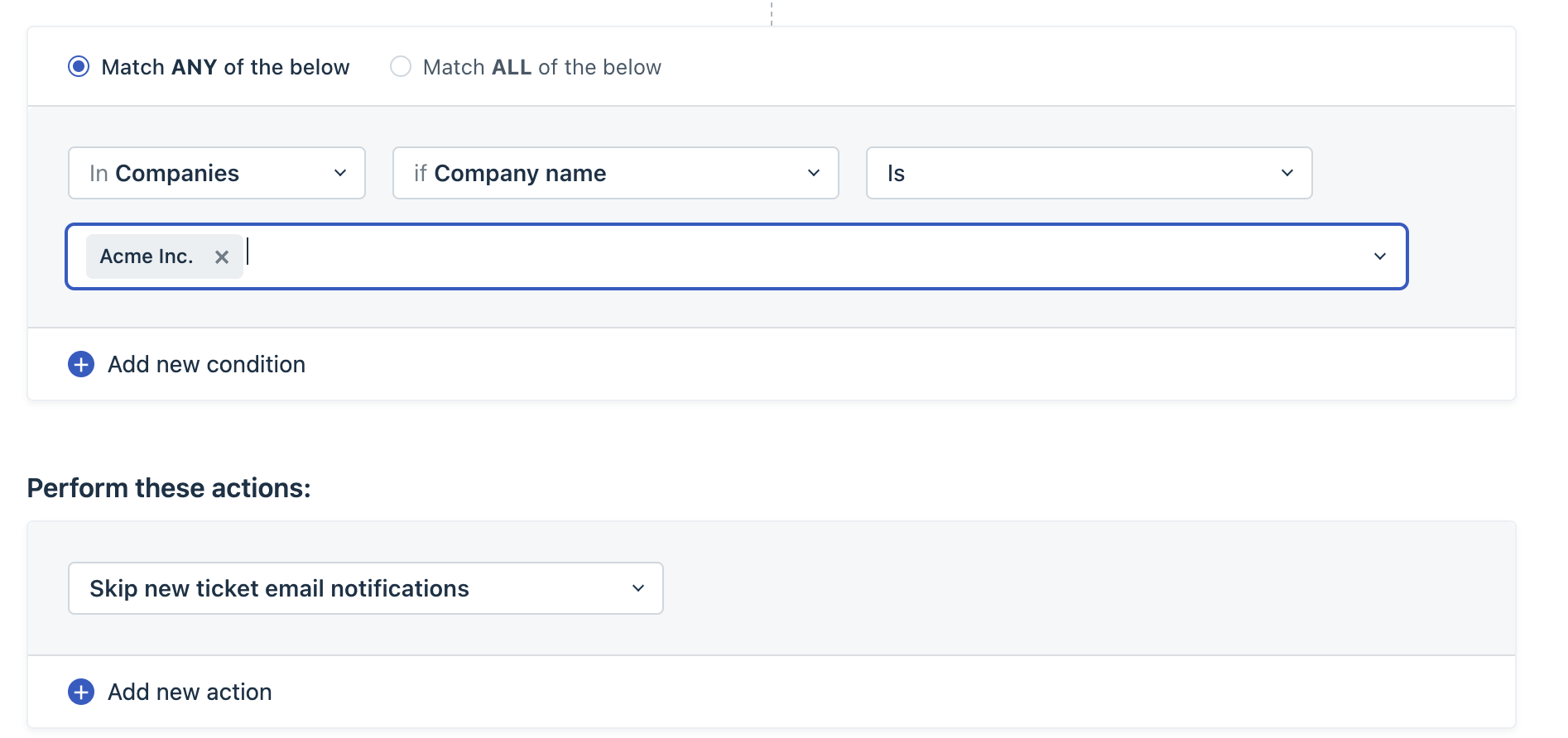
This is usually used in case of communication between two Helpdesks. Let's say, there are two Freshdesk accounts A and B.
- Account A sends an email to account B which will create a ticket in account B.
- Now the new ticket-created email notification will be triggered from account B to account A and this will be created as a ticket in account A.
- Again the new ticket created in account A will trigger a new ticket-created email notification to B causing an endless looping.
In order to avoid this looping issue, we use the skip new ticket email notification condition in automation based on a specific requester or a company.
Closed notification:
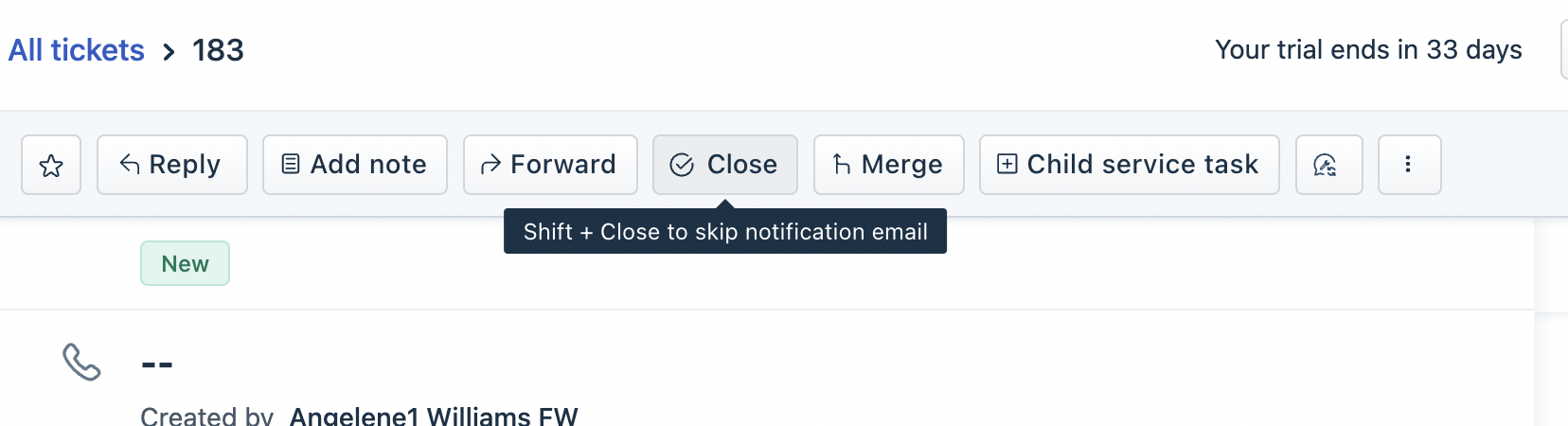
We can use the keyboard shortcut(shift+close) to skip the closed notification email. This will work only for default email notifications configured under admin>>email notifications and not for customised notifications setup using automations.
Was this article helpful?
That’s Great!
Thank you for your feedback
Sorry! We couldn't be helpful
Thank you for your feedback
Feedback sent
We appreciate your effort and will try to fix the article