Trigger webhook condition can be configured only in ticket creation and ticket update rules.
When webhook is the only action configured in the automation rule, the execution will not be printed in the ticket activities unlike other actions. So customers wouldn't know whether the webhook has actually triggered on the ticket.
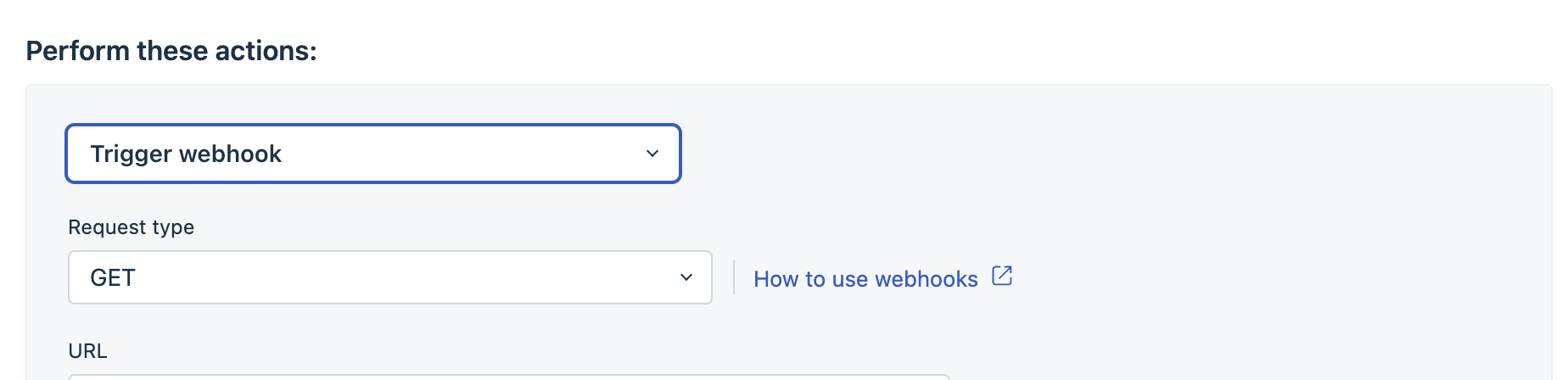
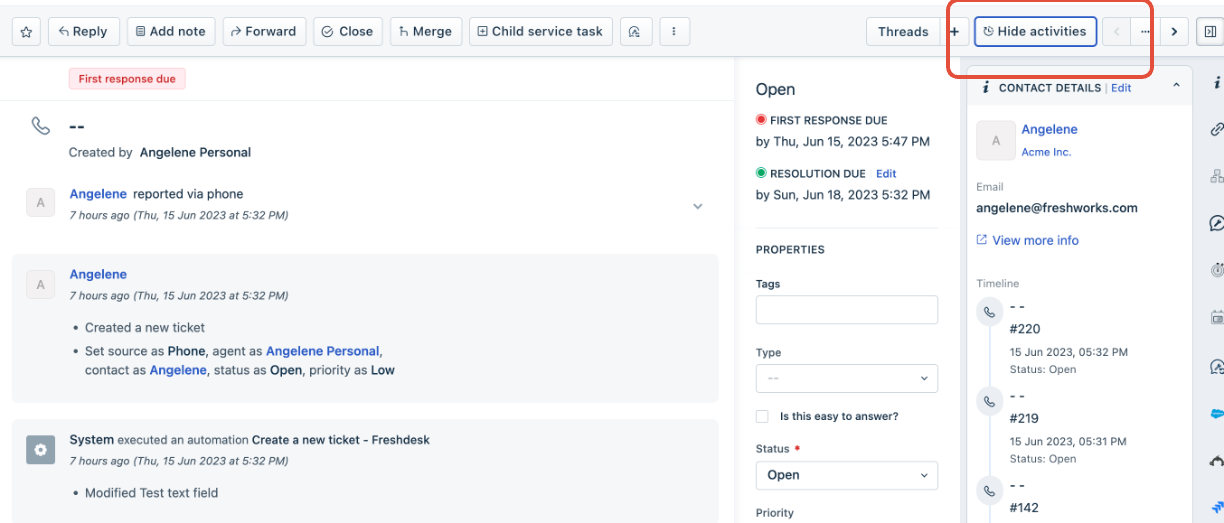
If customers requests to see the webhook action as well in the ticket activities section in order to understand whether a webhook has triggered on a ticket or not, we can suggest a workaround for these cases.
Step 1: In addition to trigger webhook action, add an additional action - add tag
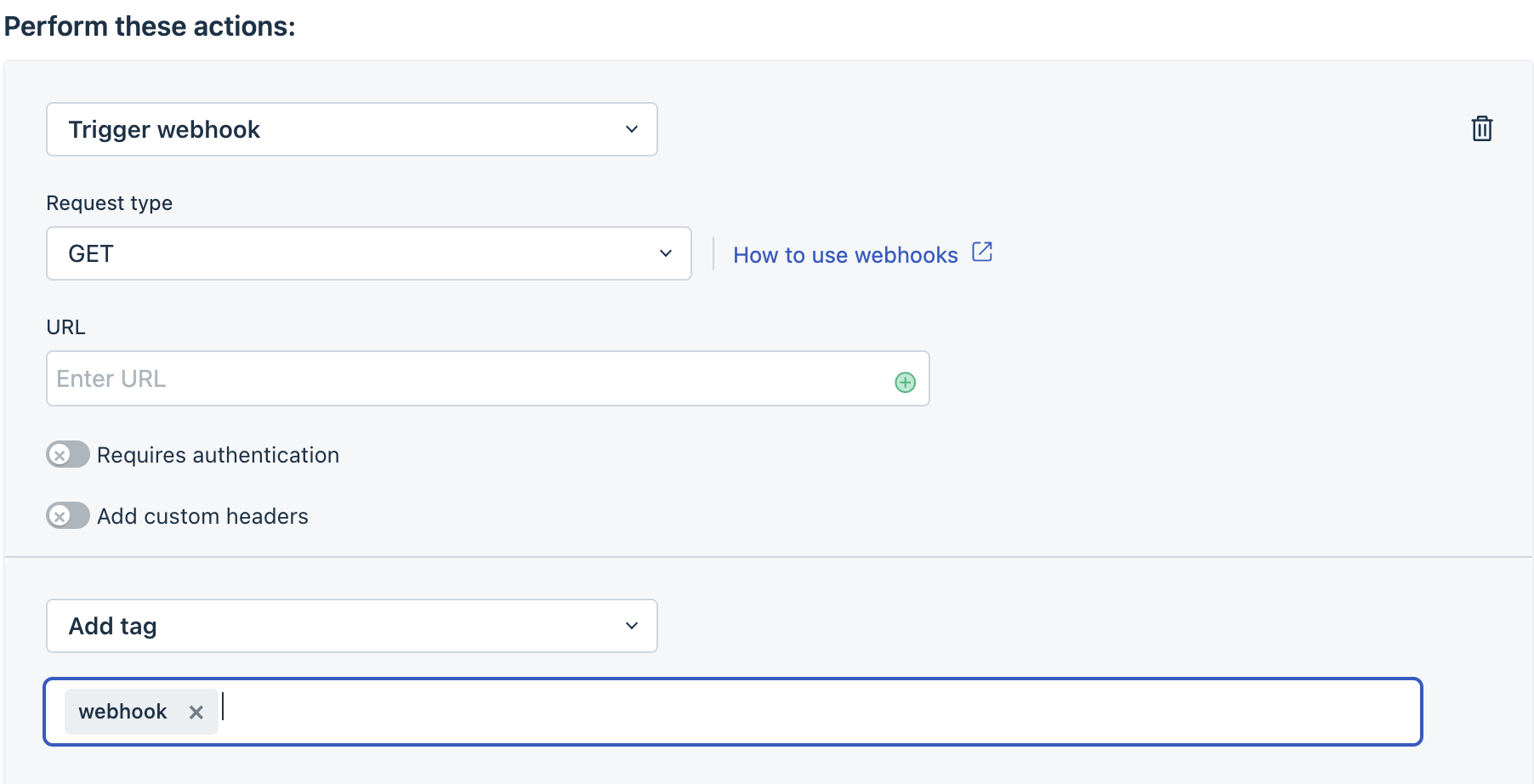
Step 2 : Please navigate to a ticket where the rule was supposed to run. If the tag is succesfully added to the ticket, it means the rule configurations are setup the right way and the webhook has triggered on the ticket.
Was this article helpful?
That’s Great!
Thank you for your feedback
Sorry! We couldn't be helpful
Thank you for your feedback
Feedback sent
We appreciate your effort and will try to fix the article