Currently, we don't have a way to set up automation based on conditions -if the subject or description is blank.
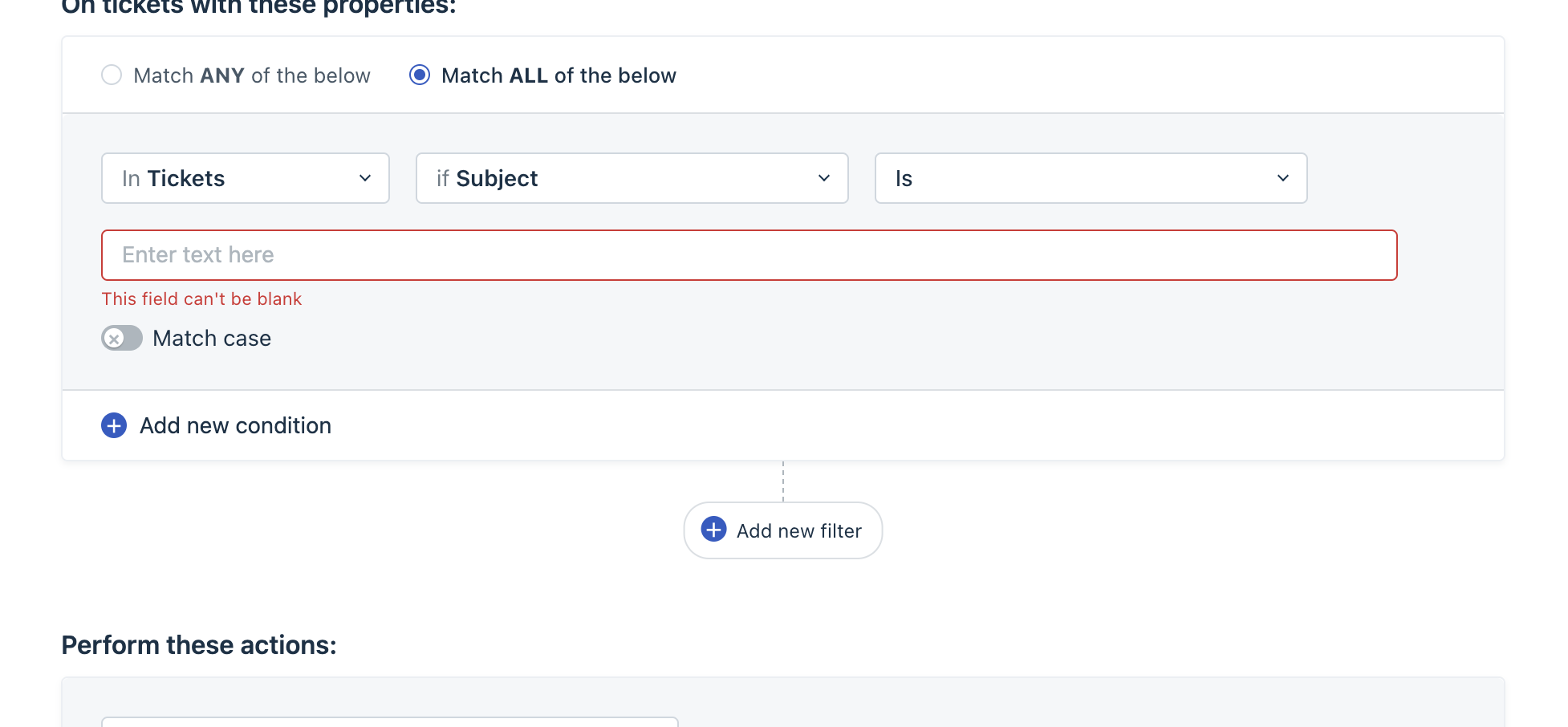
However, as an alternate solution, we can set up automation with condition subject or description does not condition and list all the alphabets.
To set up the same,
- Please navigate to admin>>workflows>>automations>>new rule
- In the section - On tickets with these properties, set the condition as the subject does not contain and list all the alphabet
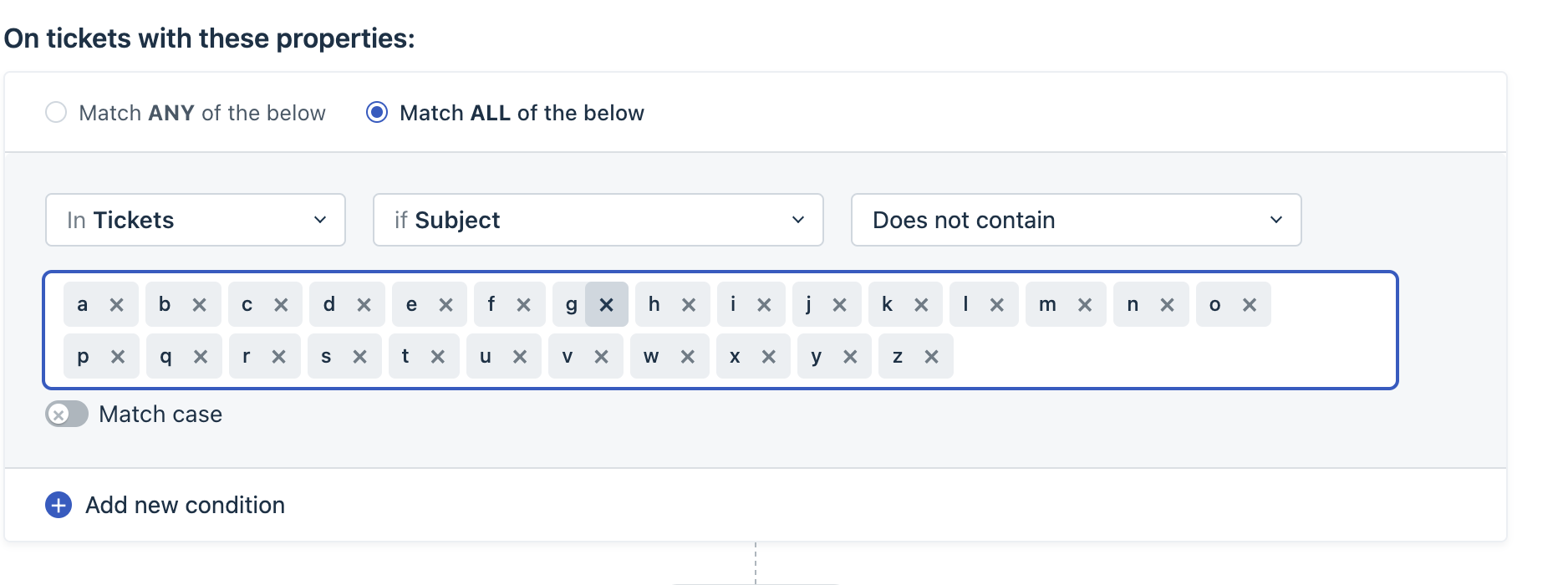
- Similarly it can be setup for ticket update rule as well.
Was this article helpful?
That’s Great!
Thank you for your feedback
Sorry! We couldn't be helpful
Thank you for your feedback
Feedback sent
We appreciate your effort and will try to fix the article