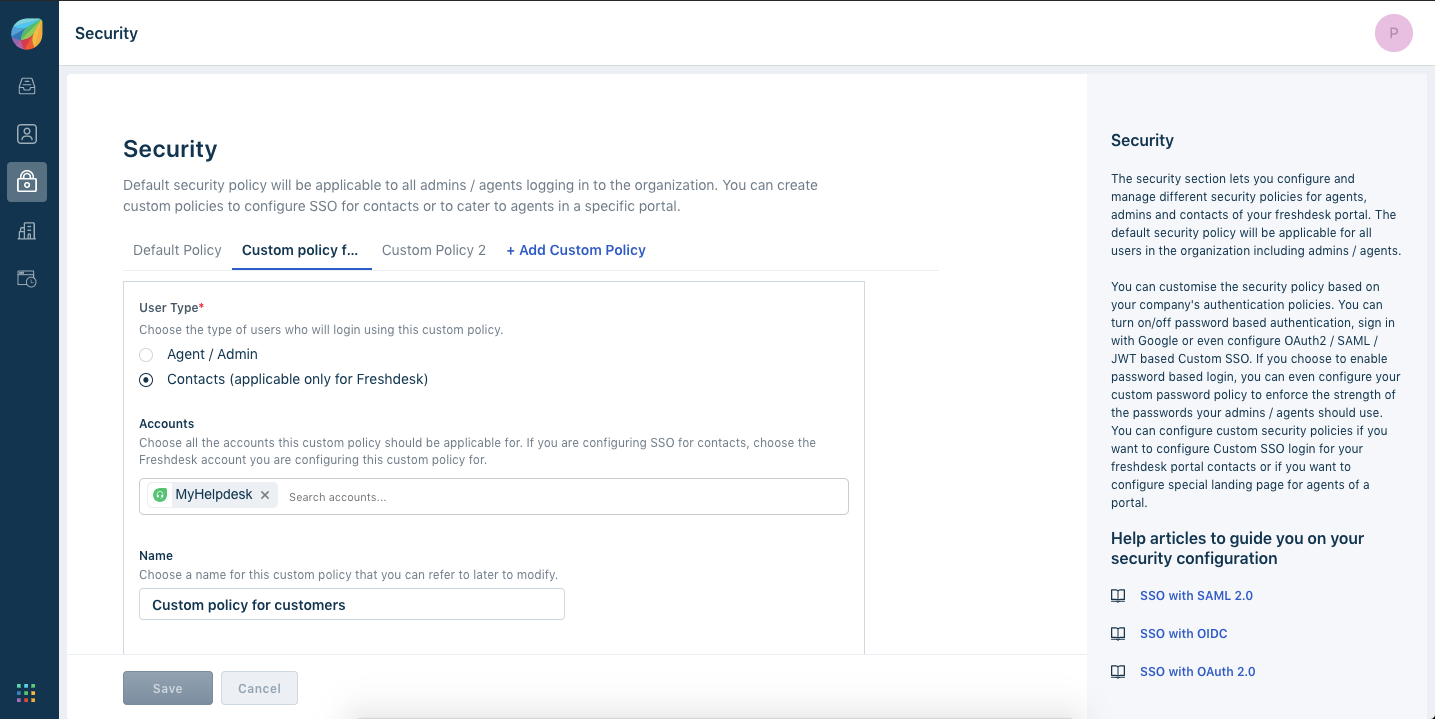
Custom contact SSO:
A. Freshdesk account without Freshdesk SSO:
- Support/login page → On hovering over the link 'Are you a customer Login here', the customized URL of Org custom policy will be there. On clicking here it will take Org custom policy login mechanism.
- login/normal → it is only for agents.
B. Freshdesk account with Freshdesk SSO:
- Support/login → will redirect to Freshdesk SSO IDP.
- You can check the behavior of contact custom policy by hitting
account_domain_url/customer/login in the browser. It will be redirected to the custom policy login URL, where you check the contact login functionality. - Once you have completely configured this, disable the Freshdesk SSO.


Once you have successfully set up SSO, the login page will look this :

Contact attributes :
The following default user attributes can be sent to Freshdesk from the identity provider when a user logs into the IDP via SSO:
Custom Contact attributes :
We also support custom contact fields.
| Custom field | custom_field_ | Optional |
For example: If there is a custom user field (contact field) configured as 'Office Location', then the SAML assertion needs to send the attribute as 'custom_field_office_location' to update the user information.
Note: All the above attributes will be assigned to the contact during login. Any attribute changes would be synced as well. Email is mandatory for a user during login.
Was this article helpful?
That’s Great!
Thank you for your feedback
Sorry! We couldn't be helpful
Thank you for your feedback
Feedback sent
We appreciate your effort and will try to fix the article