To convert a full time agent to occasional or vice versa, Please go to Admin -> Team -> Agents and click on edit next to this concerned agent who needs to be switched to occasional.
Kindly choose the radio button on top of the profile to "occasional" to do the same. Once this is done, please see that this agent is listed under the tab called Occasional.
There's no limit on the number of the occasional agents we have in the account. However to convert a occasional to full-time agent, we need to ensure that there are enough agent licenses in the instance. The same can be checked from admin>>agents>seats available,
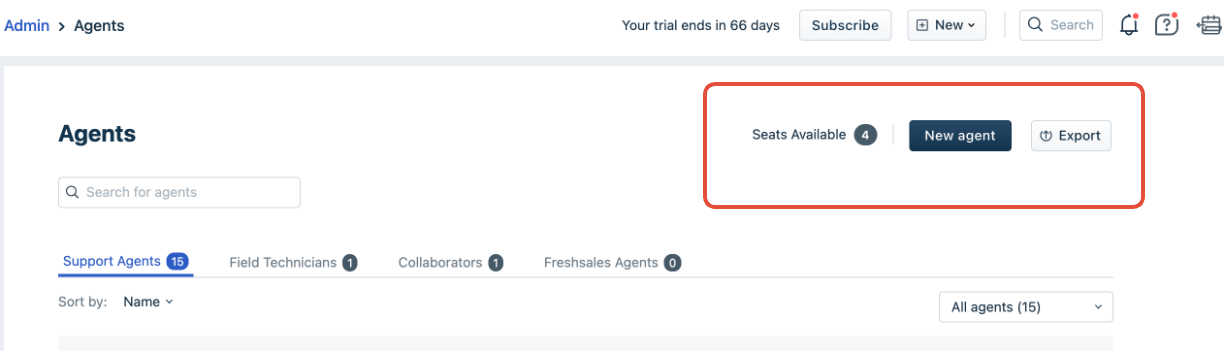
If the customer wishes to purchase an additional agent license, please loop in the account's AM(account manager) to take this forward.
Was this article helpful?
That’s Great!
Thank you for your feedback
Sorry! We couldn't be helpful
Thank you for your feedback
Feedback sent
We appreciate your effort and will try to fix the article