Possible queries:
How to reset my agent login password?
Resolution path:
- Password reset email can be triggered by clicking on 'Are you an agent? Login here' in the customer portal > Forgot Password.
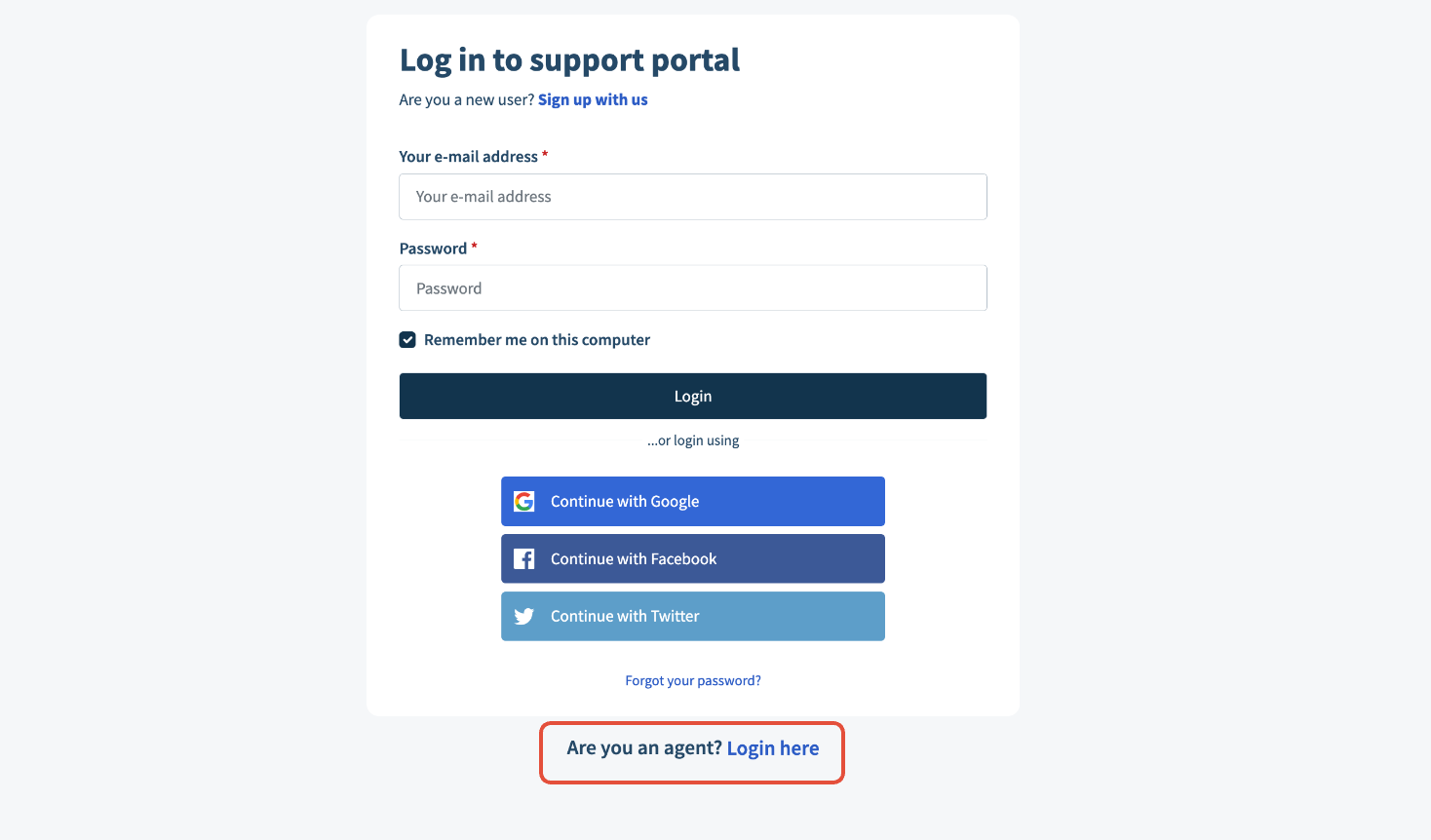
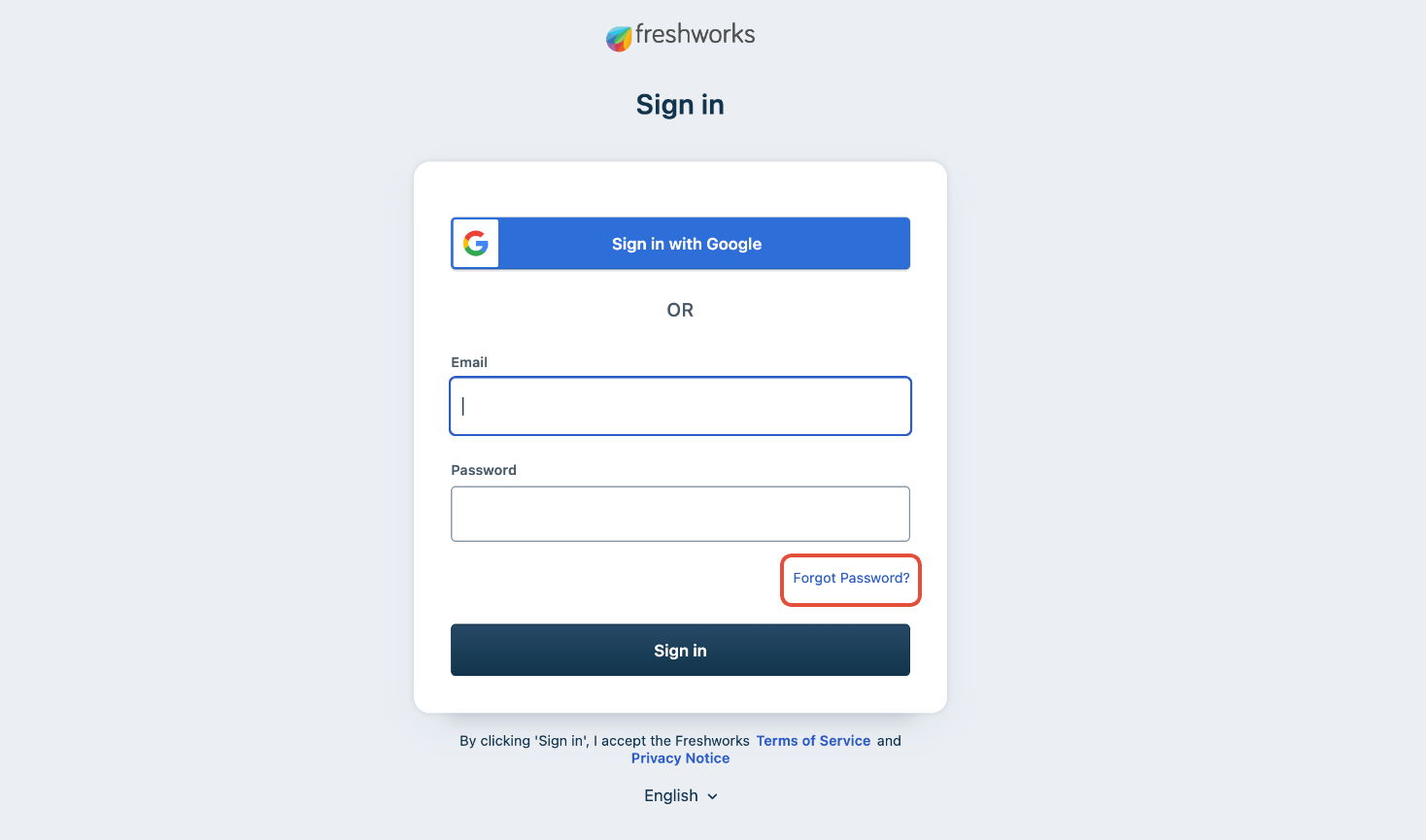
- Enter the email address that you use to sign in to your account and click the 'Request reset link.'

- You will see a message confirming that an email with password reset instructions was sent to the email address provided by you. A password reset link will be sent to the corresponding agent's registered email address. Click the link provided in the email.
- In the Freshworks account password reset page, enter your new password, and re-enter the same password in the 'Confirm new password' field. Ensure your password adheres to the password policy.
Click on the ‘Reset Password’ button.
After your password is reset, you will be redirected back to the login screen. You can log into your account using your new password.
Was this article helpful?
That’s Great!
Thank you for your feedback
Sorry! We couldn't be helpful
Thank you for your feedback
Feedback sent
We appreciate your effort and will try to fix the article