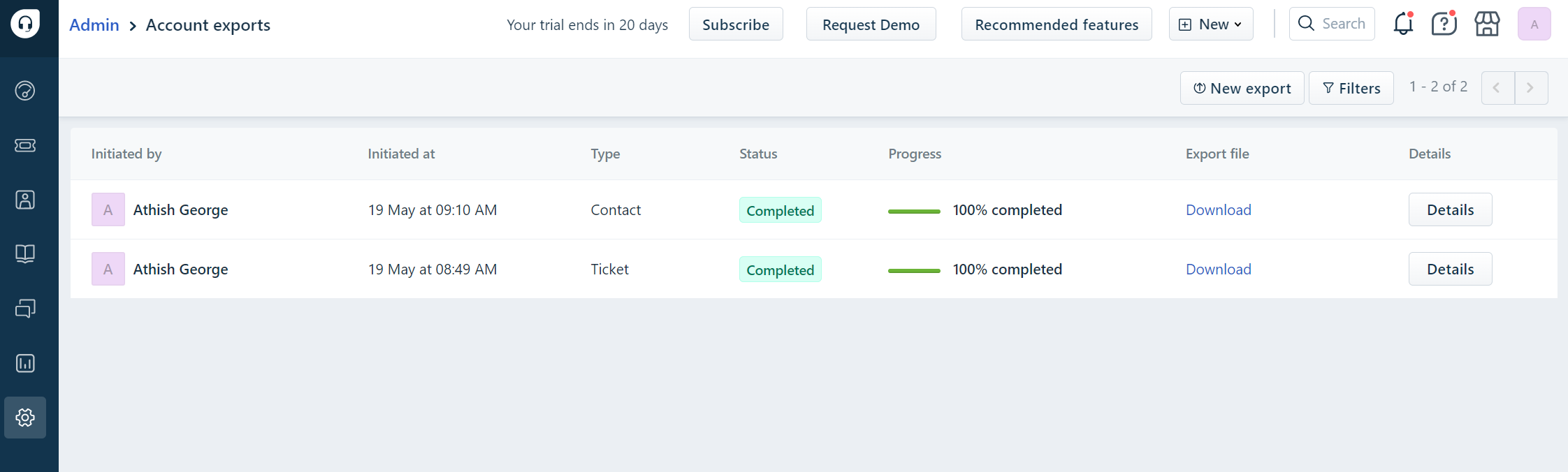
To view all exports initiated from the product, including Account exports, tickets, contacts, companies, and more, you can access the "Account Exports" section.
Navigate to Admin → Accounts → Account Exports, to easily access and monitor the exports performed from the product. You can view the progress and details of the exports on this page.
In the case, where you have not received it on your email, you can download it directly from this dashboard as well.
Was this article helpful?
That’s Great!
Thank you for your feedback
Sorry! We couldn't be helpful
Thank you for your feedback
Feedback sent
We appreciate your effort and will try to fix the article