Problem:
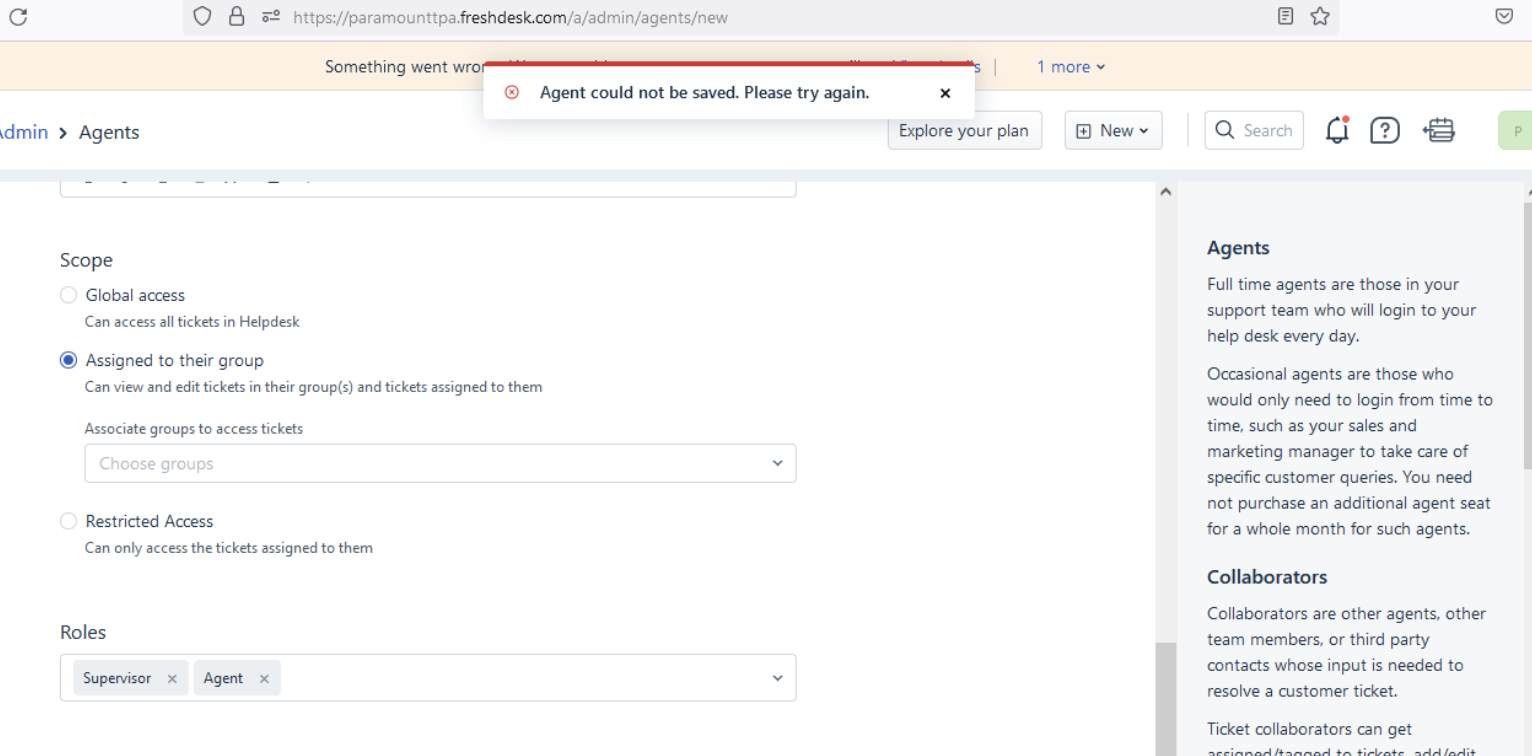
When the admin tries to add a new agent to the helpdesk, they will encounter the below error :
'Agent could not be saved. Please try again'
Resolution Path:
1. Please suggest to try adding the new agent from a different browser or in an incognito window by clearing the cache and cookies. (This step will fix the issue on most of the cases)
2. If the issue persists, please get the "HAR file" of the action performed by the admin so that we can check the logs on our end and raise the issue with L2 team. We can share this link with the customer to help them obtain the HAR file.
Reference video - https://www.youtube.com/watch?v=wTExeXu7xN4
Was this article helpful?
That’s Great!
Thank you for your feedback
Sorry! We couldn't be helpful
Thank you for your feedback
Feedback sent
We appreciate your effort and will try to fix the article