Custom URLs can be enabled for the default portal in addition to enabling them for the multi-product portal.
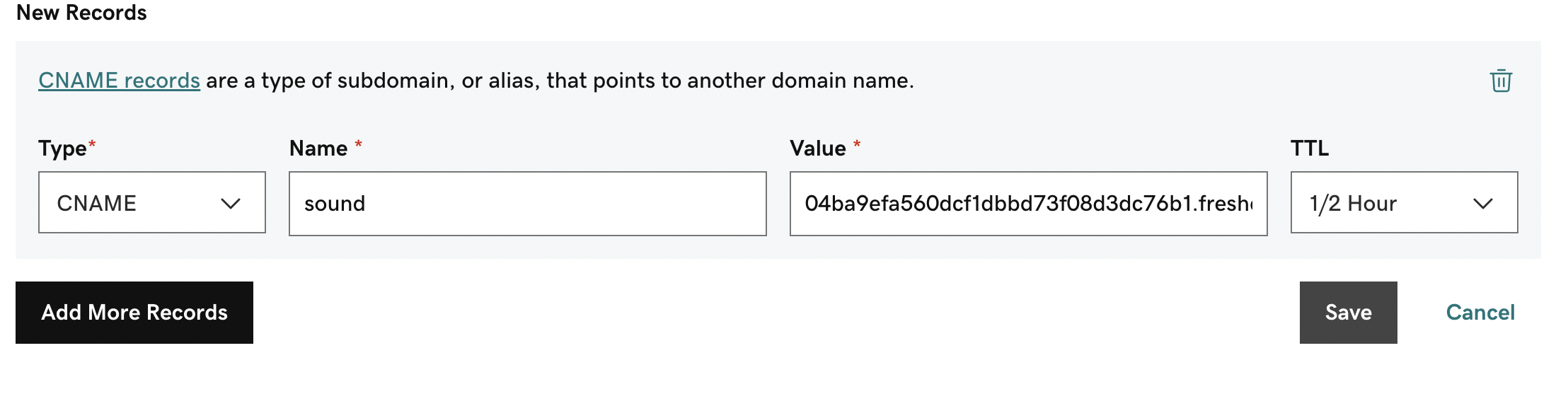
- Publish the CNAME records in the DNS portal keeping TTL time as minimum as possible.
- Incase of godaddy, it's enough that we add only the subdomain rather than the entire URL. Likewise it might differ for each DNS and the same needs to be taken care by the customer.
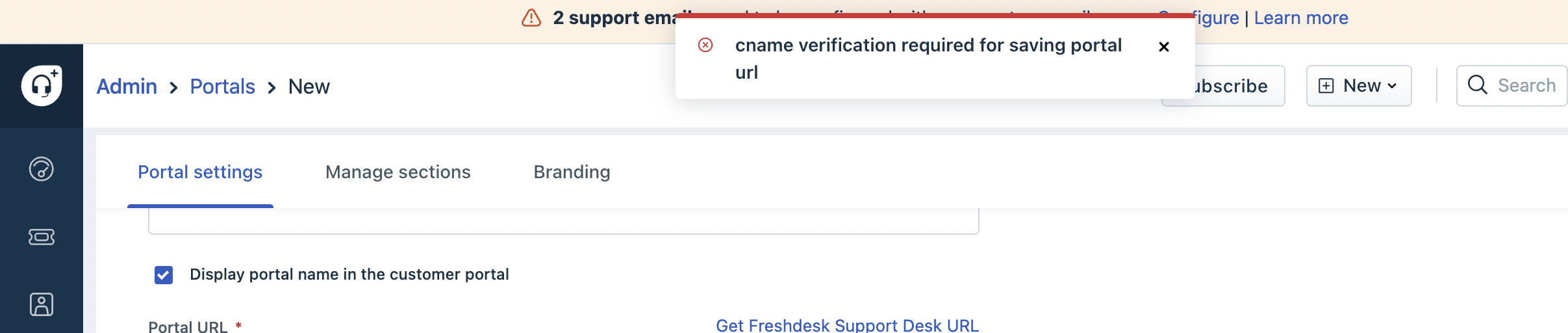
- We'll be able to save the portal only after the CNAME is added in the DNS
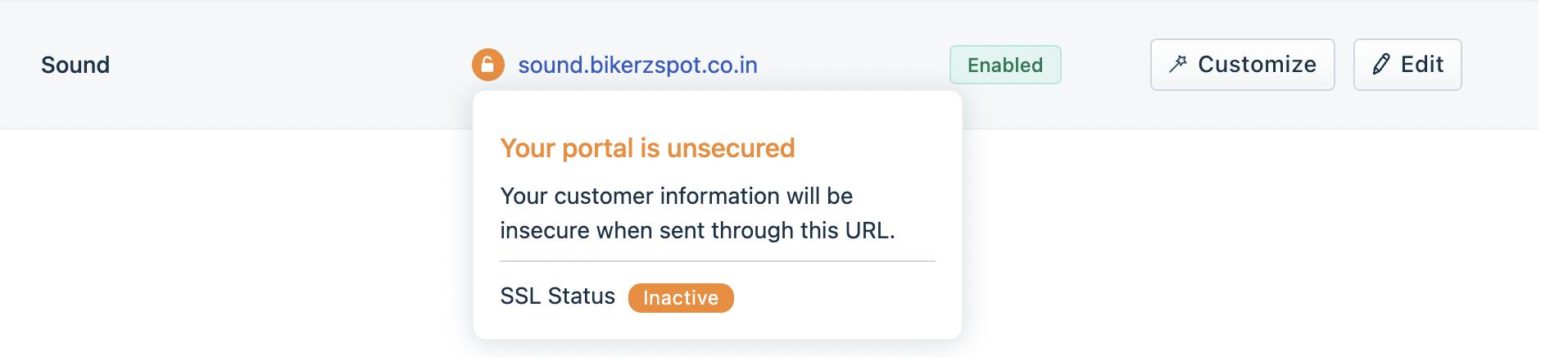
- SSL might take 48hours to be processed for custom URLs and it depends on the DNS. If it takes more than 48hours, we do a CNAME look up to check if the CNAME is mapped correctly.
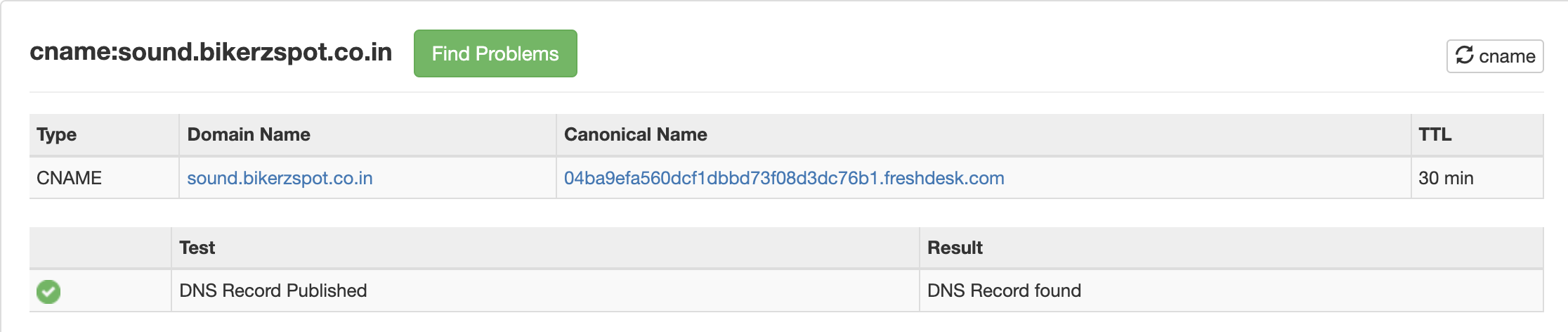
- We can use this URL to do the CNAME lookup. If CNAME is published properly, then it should appear as below
6.If SSL is not processed despite proper CNAME mapping, then it can be checked with the L2s internally.
Was this article helpful?
That’s Great!
Thank you for your feedback
Sorry! We couldn't be helpful
Thank you for your feedback
Feedback sent
We appreciate your effort and will try to fix the article