Possible queries:
I am not able to log in
I cannot log in to the account due to an insuuficient day pass.
Need to purchase day pass.
Resolution path:
- Validate the account URL for which they are trying to log in.
- This error arises when an occasional agent tries to log in but there are not enough day passes in the account.
- Check if the occasional agent trying to login is the only account admin of the account. If yes, please add a complementary day pass from our end for the agent to login. You can drop a ping in the religional Slack groups for a complimentary day pass.
- If there are multiple account admins present, please ask one of the account admin to purchase a day pass under Admin > Account > Day pass. For more details share this with the customer.
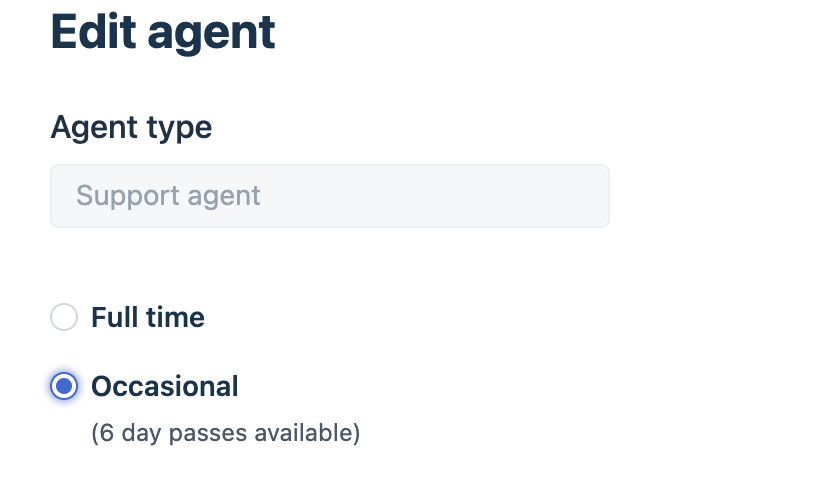
- If the customer wants to convert the occasional agent to a full-time agent given that there are full-time agent licenses available in the account, navigate to Admin > Team > Agents > click on the Edit icon for the profile > choose Occasional > save the profile.
Was this article helpful?
That’s Great!
Thank you for your feedback
Sorry! We couldn't be helpful
Thank you for your feedback
Feedback sent
We appreciate your effort and will try to fix the article