The Bot can be embedded on your website by copying & pasting the widget code available in Admin > Bot > Settings on any of your websites.
- Navigate to Settings on the left panel of your Answer Bot configuration page
- Choose the Chat option
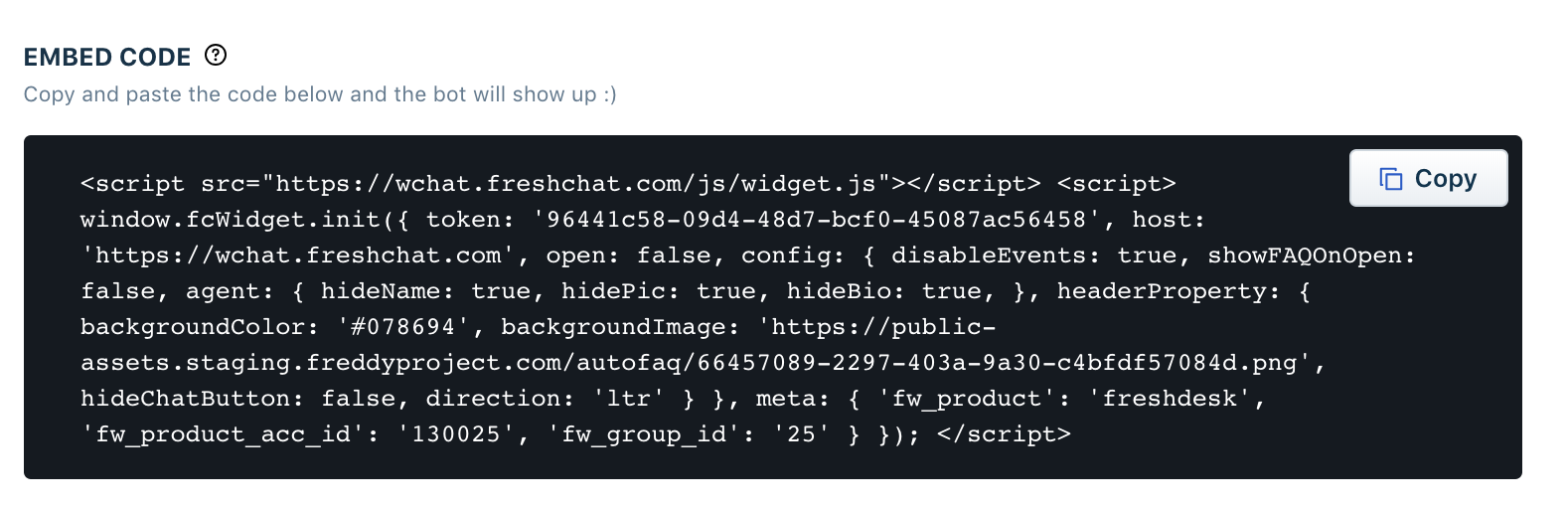
- You will see the widget code. Click on the Copy button and paste the code before the /body tag on all the pages of your website for Answer Bot to appear.
Was this article helpful?
That’s Great!
Thank you for your feedback
Sorry! We couldn't be helpful
Thank you for your feedback
Feedback sent
We appreciate your effort and will try to fix the article