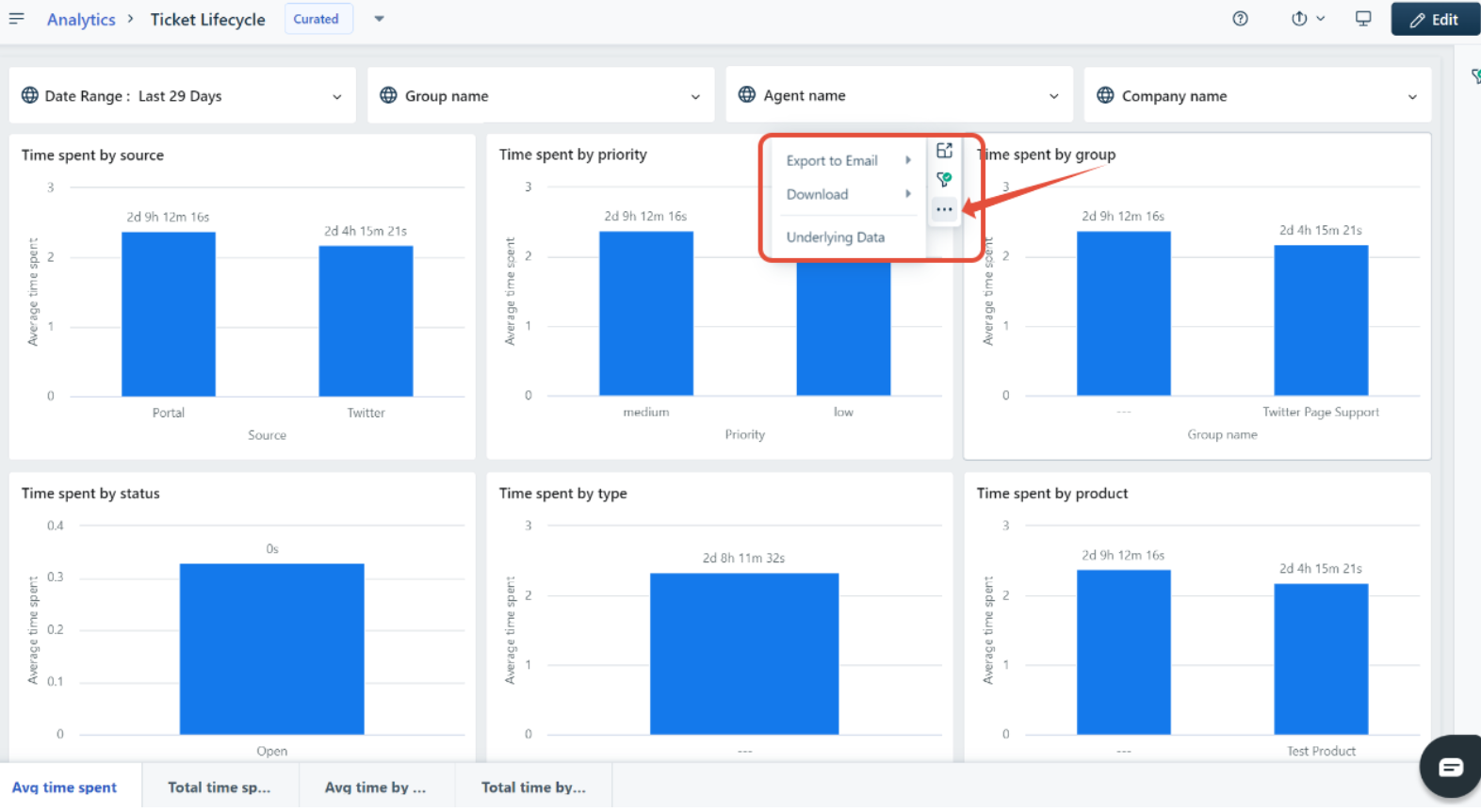
To export a widget,
Go to Analytics > select the report you wish to export > expand the widget you wish to export > click on the three dots inside the widget > choose Export to mail.
Select the format as CSV or PDF.
Click Export
You will receive the report in your registered email.
Was this article helpful?
That’s Great!
Thank you for your feedback
Sorry! We couldn't be helpful
Thank you for your feedback
Feedback sent
We appreciate your effort and will try to fix the article